Salesforce SMS Integration: Text, Call & Automate from Any Salesforce Record
Seamlessly integrate Salesforce with Salesmsg, whether you use the Lightning or Classic versions, to send SMS, make calls, automate messaging with flows, and power your team with a native texting & calling experience.
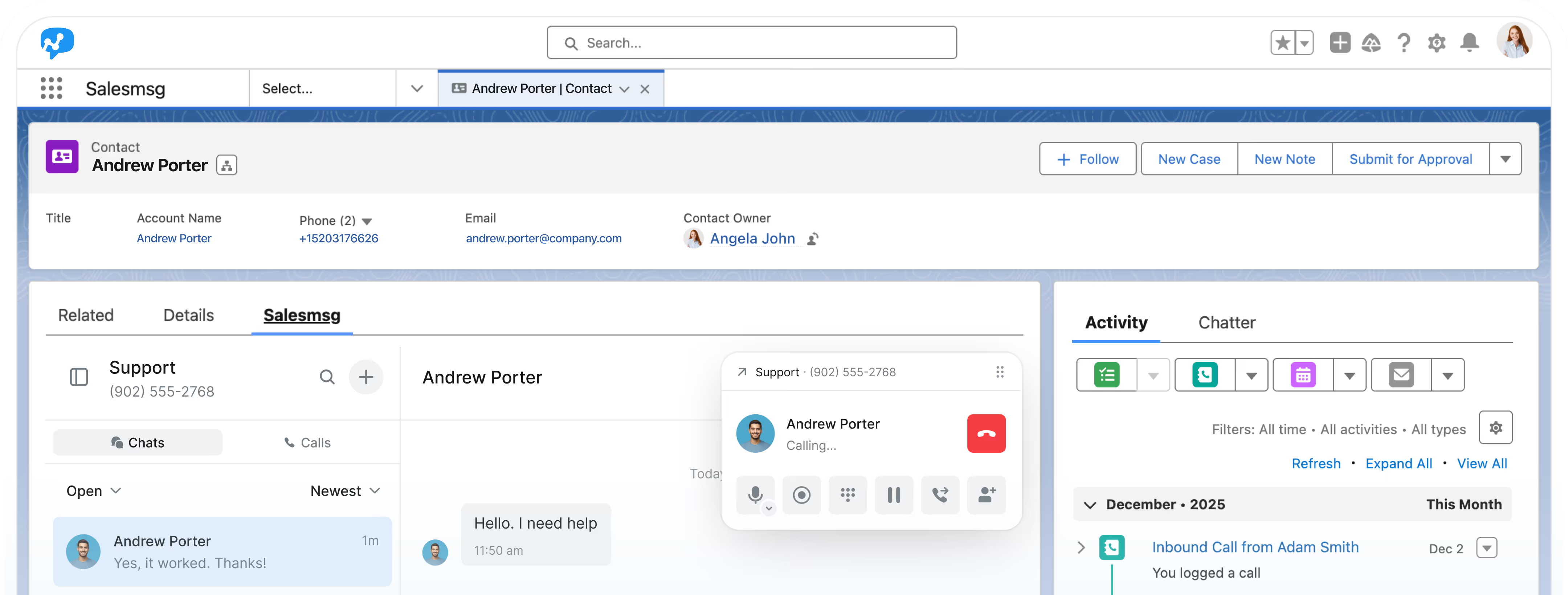
Salesforce SMS Integration in Action
Effortlessly create, send, receive, automate, and manage conversations all-in-one place.
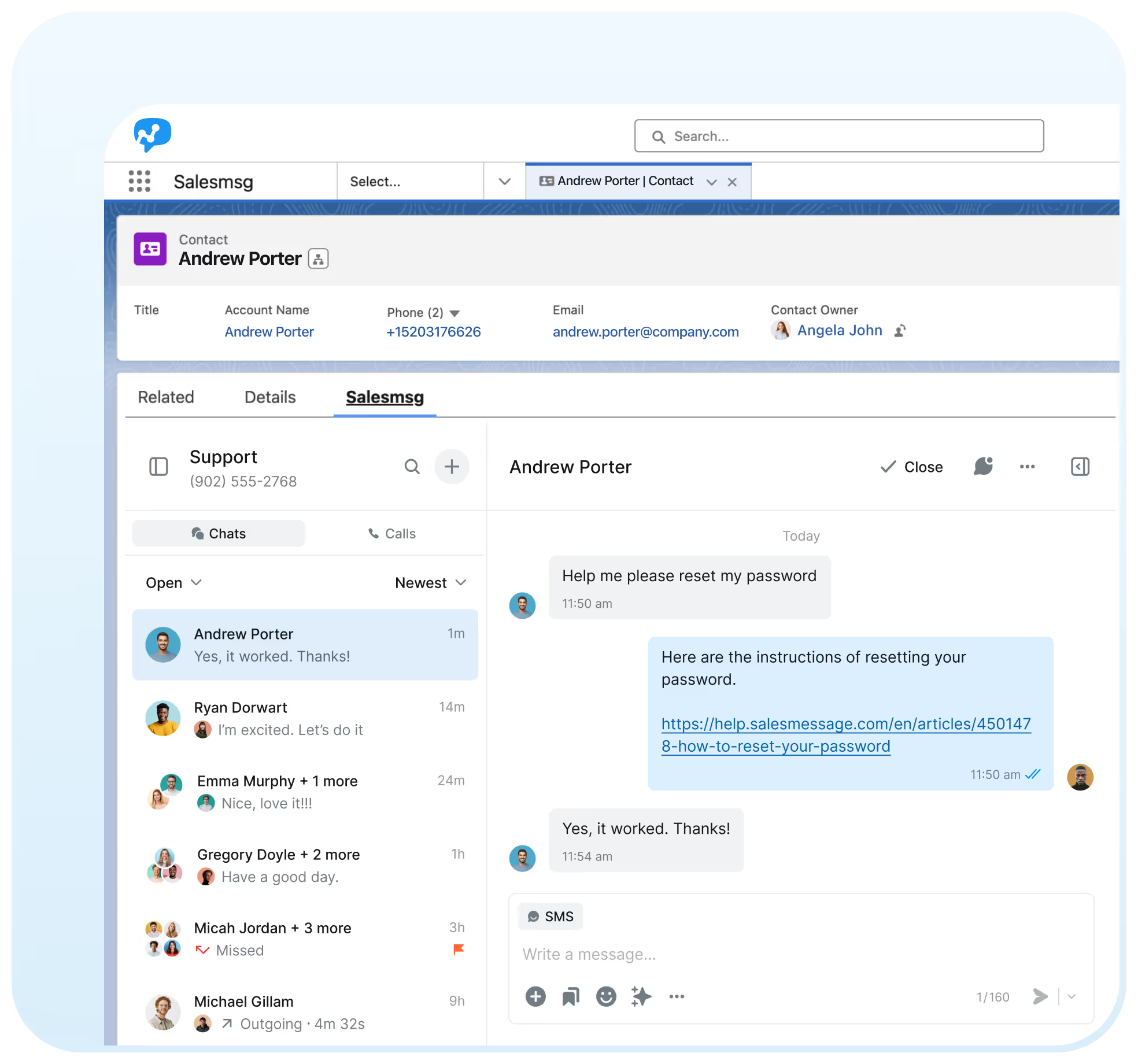
Send SMS From Any Salesforce Record, Including Custom Objects
Send SMS, MMS, and RVM from Leads, Contacts, Opportunities, Cases, Campaigns, and Custom Objects. The fastest Salesforce SMS experience for Lightning and Classic.
SMS widget on Standard + Custom objects
Mass texting & RVM via Lists & Campaigns
Rich media + Salesforce field personalization
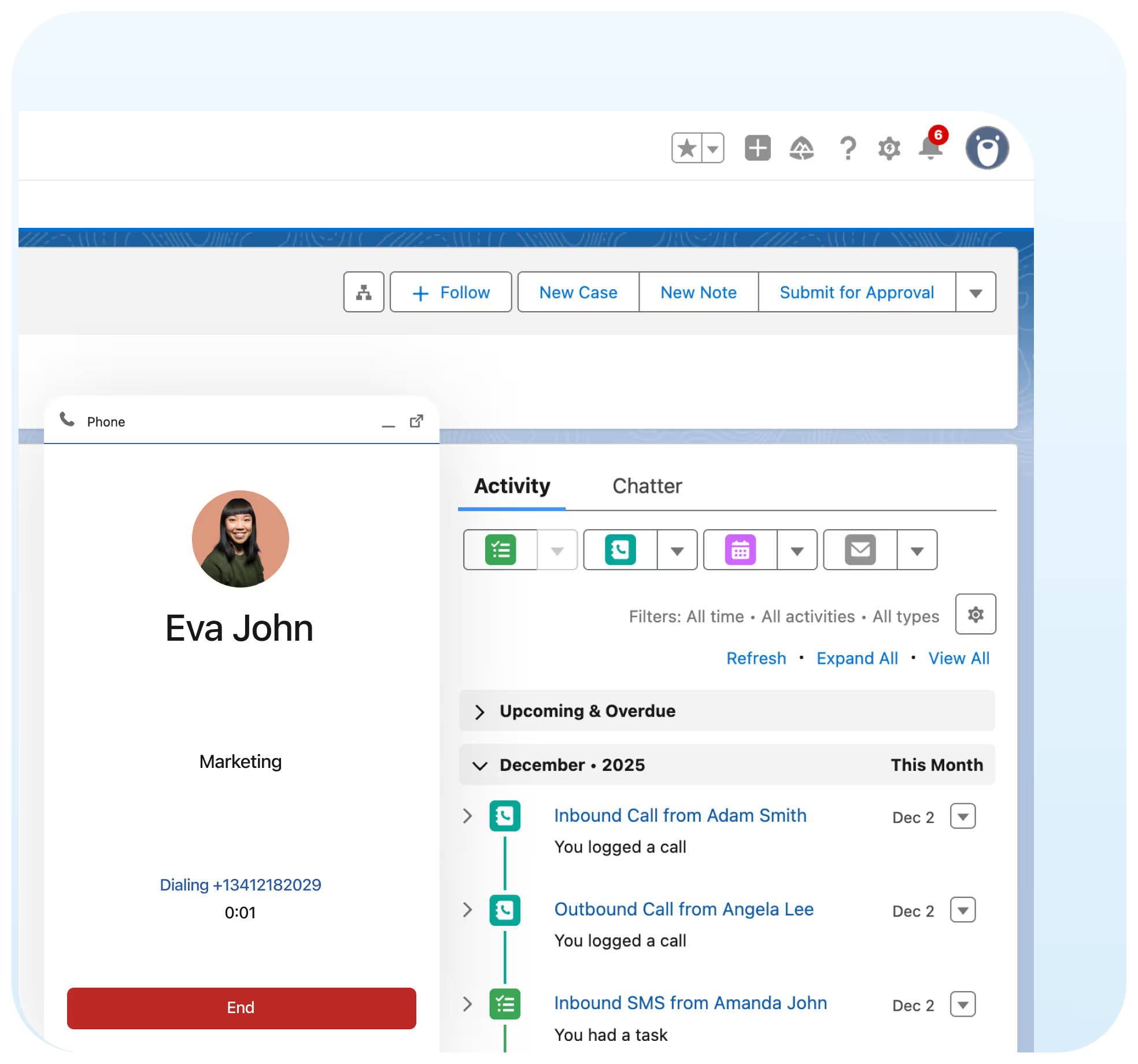
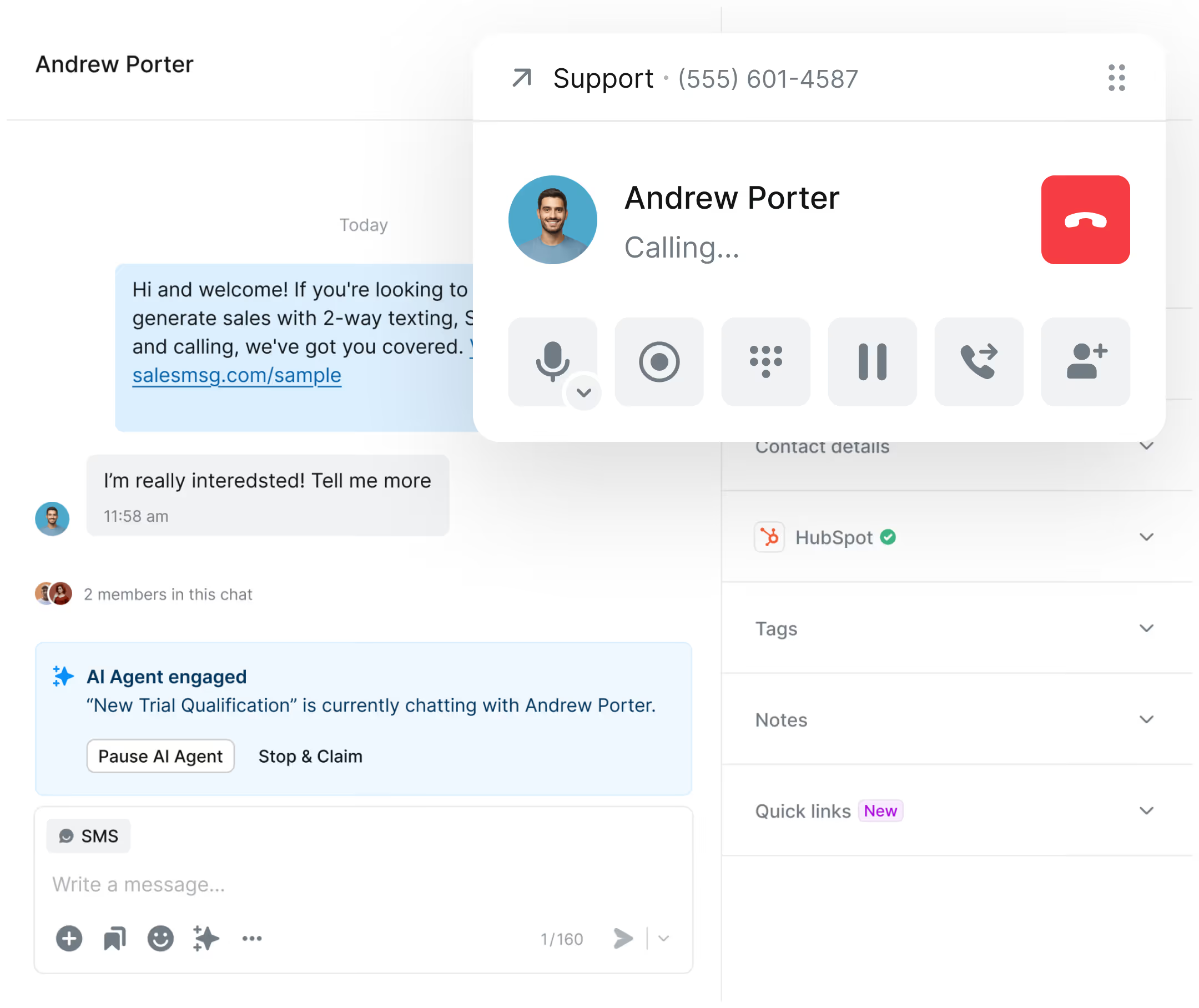
Make Calls Directly Inside Salesforce Using Your SMS Numbers
Make and receive calls inside Salesforce with instant syncing to Activities. Use the same numbers for SMS and voice for a completely unified CRM communication workflow.
Click-to-call from any Salesforce record
Inbound & outbound calling
Call recordings & Voicemail logging


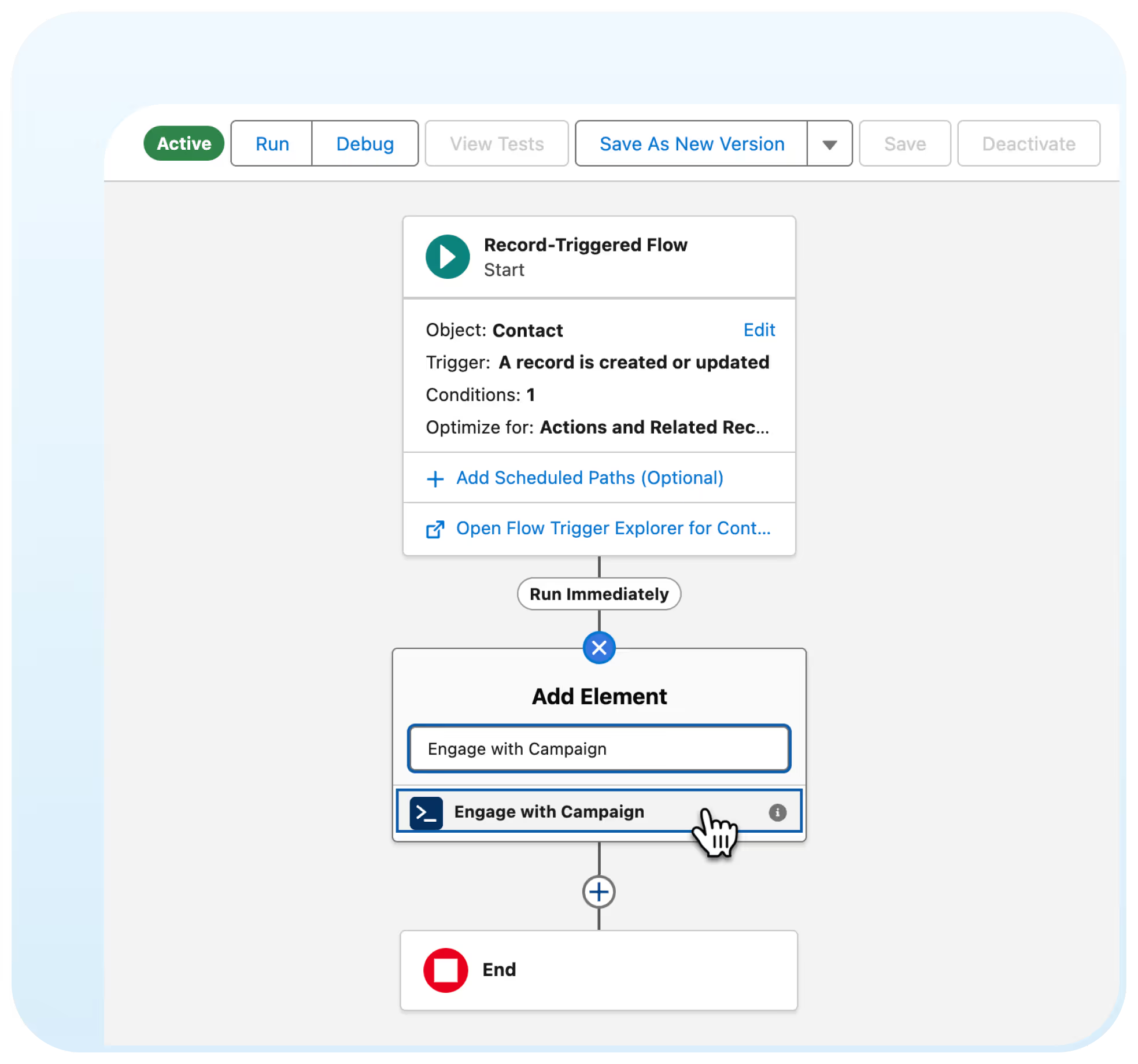
Trigger Personalized SMS Through Salesforce Flow Actions
Send SMS from flows, send as Record Owner, enroll contacts in campaigns, apply tags, and sync contact updates – all with Salesforce Flow actions.
Send SMS from any flow
Record Owner-based sending
Create & update Salesmsg Contacts in flow
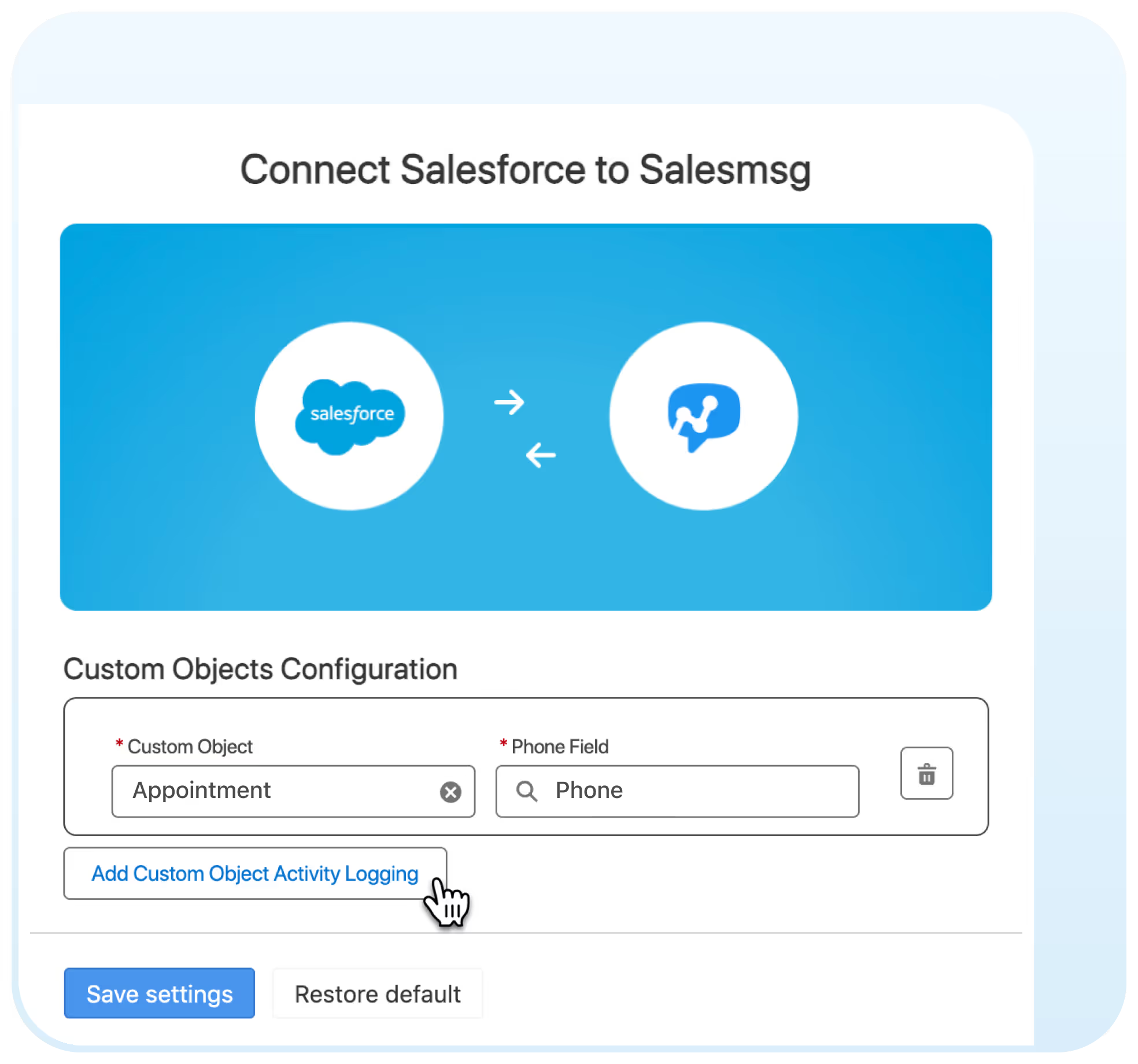
Sync SMS & Activity to Any Salesforce Object
Enable Salesmsg on any Salesforce object, including Custom Objects. Map phone fields, sync activity, and use SMS at every step of your workflow with native object support.
Texting on all Objects
Map & manage Custom phone fields
Link Custom Object records to Contacts


Built for Salesforce Agentforce
Salesmsg is evolving into the Agent-Native SMS Platform for Agentforce, aligning with Salesforce’s MCP vision and the autonomous agent ecosystem.
- Next-generation Agentforce SMS platform.
- Seamless connection with MCP workflows.
- Intelligent agent operations.
Trusted by some of the best companies in the world...


What Salesmsg Users Say


keep you compliant.
No, individual integration is unnecessary, as the Organization Owner automatically connects all members with their respective Salesforce accounts.
That user will not be able to do 2-way texting from their own Salesforce account.
Install the Salesmsg package from the Salesforce AppExchange, connect your org in Salesmsg's integration settings, add the SMS widget to your page layouts using App Builder, and start texting from any Lead, Contact, or Opportunity record. The full setup takes under 10 minutes. Your Organization Owner connects once - every team member gets access automatically.
Open any Lead, Contact, Opportunity, or Case record in Salesforce. The Salesmsg widget shows your full conversation history with that contact. Type your message and hit send. It logs to Salesforce Activities automatically - no copy-paste, no manual notes.
Yes, Salesmsg supports both Lightning and Classic. Install from AppExchange once and it works across both experiences. The SMS widget is compatible with App Builder page layouts in Lightning and Visualforce pages in Classic.
Mogli and 360 SMS App are SMS-focused tools built primarily for Salesforce. Salesmsg adds built-in calling on the same number you text, a shared team inbox, and a mobile app - making it a better fit for sales teams that need voice and text in one place. Salesmsg also offers native HubSpot integration, so if your org uses both CRMs, you don't need two separate messaging platforms.
Yes. You can send mass texts directly from Salesforce Lists and Campaigns. Salesmsg handles 10DLC registration and TCPA opt-out compliance for bulk sends - so your team can reach large contact lists without manual compliance management.
Salesmsg supports 10DLC brand and campaign registration, automatic opt-out handling (STOP replies instantly suppress future messages), and opt-in tracking per contact. Every sent and received message is logged with a timestamp for audit purposes. If you need help with 10DLC registration, Salesmsg's support team walks you through it.
No. The Organization Owner in Salesmsg connects the Salesforce integration once. All team members are connected automatically under that org. Individual users don't need to configure their own integration - they can start texting from Salesforce as soon as the admin completes the setup.
Up to 5 distribution rules per inbox: simultaneous ring, round robin, linear round robin, or CRM-based routing via HubSpot.
Yes, you can. To enable this feature, please reach out to us.
You can download the Salesmsg Salesforce Packages from the following link: Salesmsg Salesforce Package.