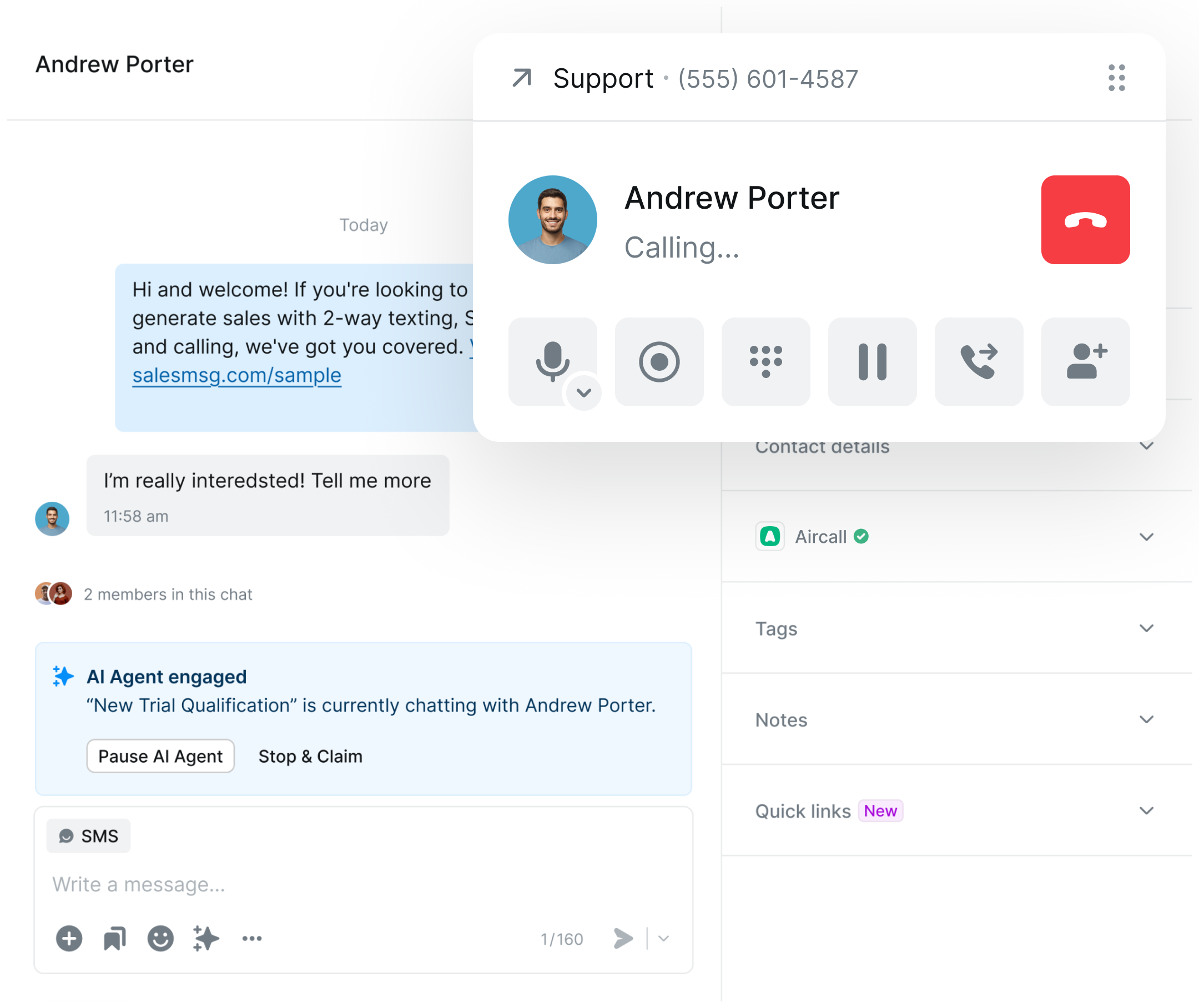
Aircall powers your calls. Salesmsg powers your texts. Together, they give your team a complete voice and messaging experience — with two-way conversations, automated follow-up, and full call and SMS history in one place.

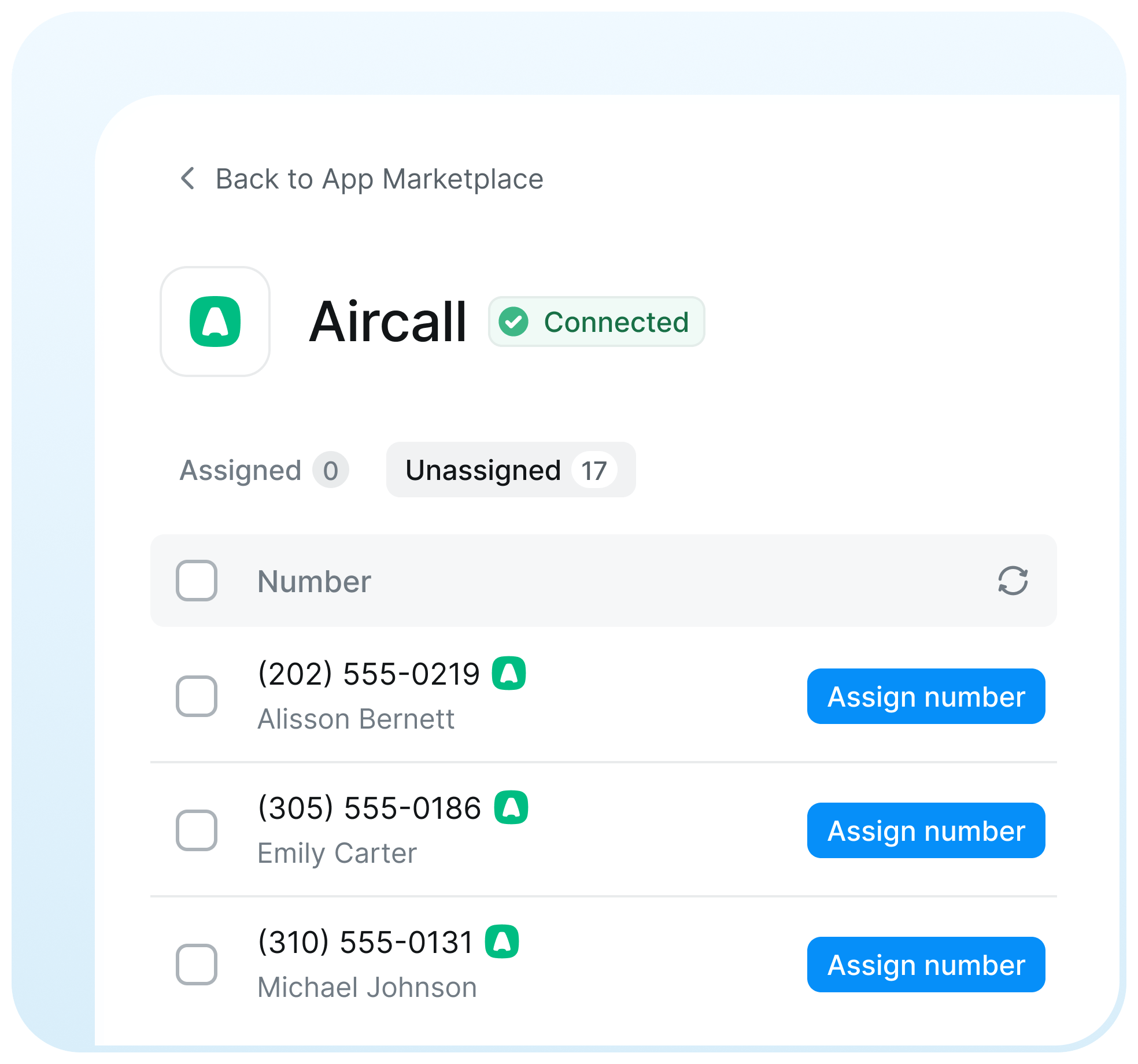
Use your existing Aircall numbers to send and receive SMS and MMS through Salesmsg — no new numbers required.

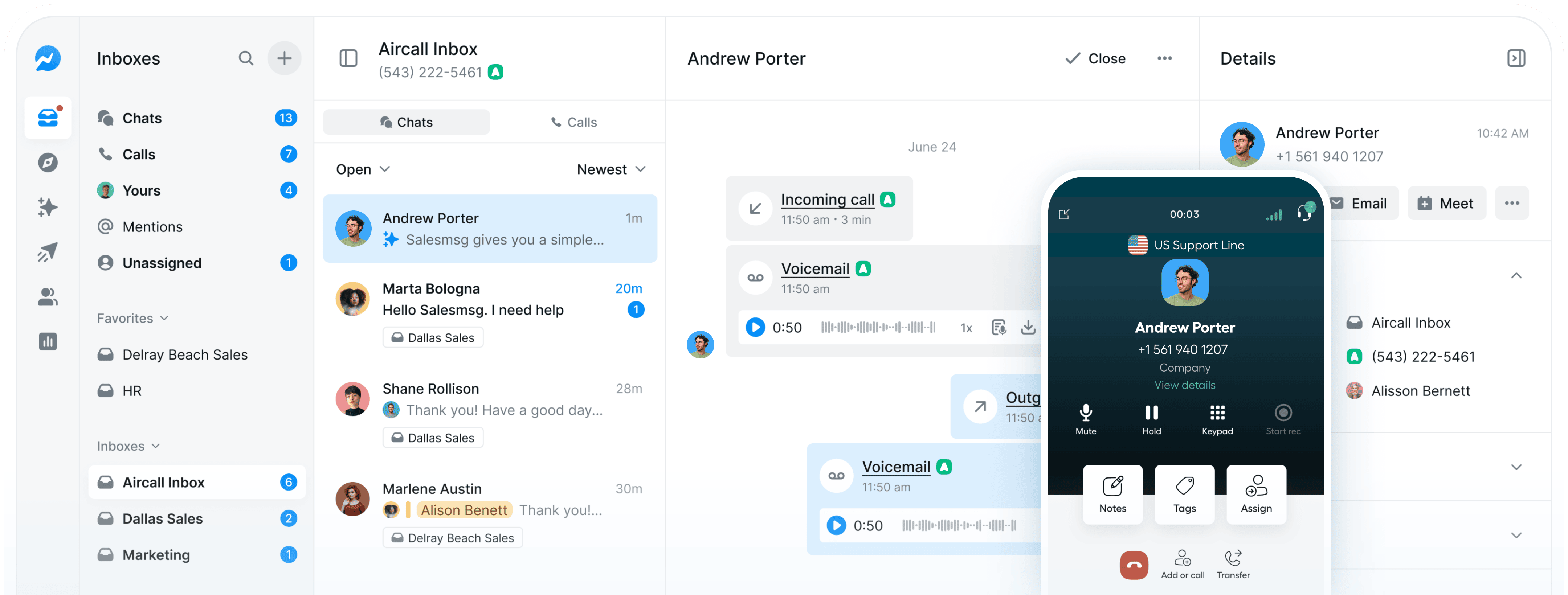
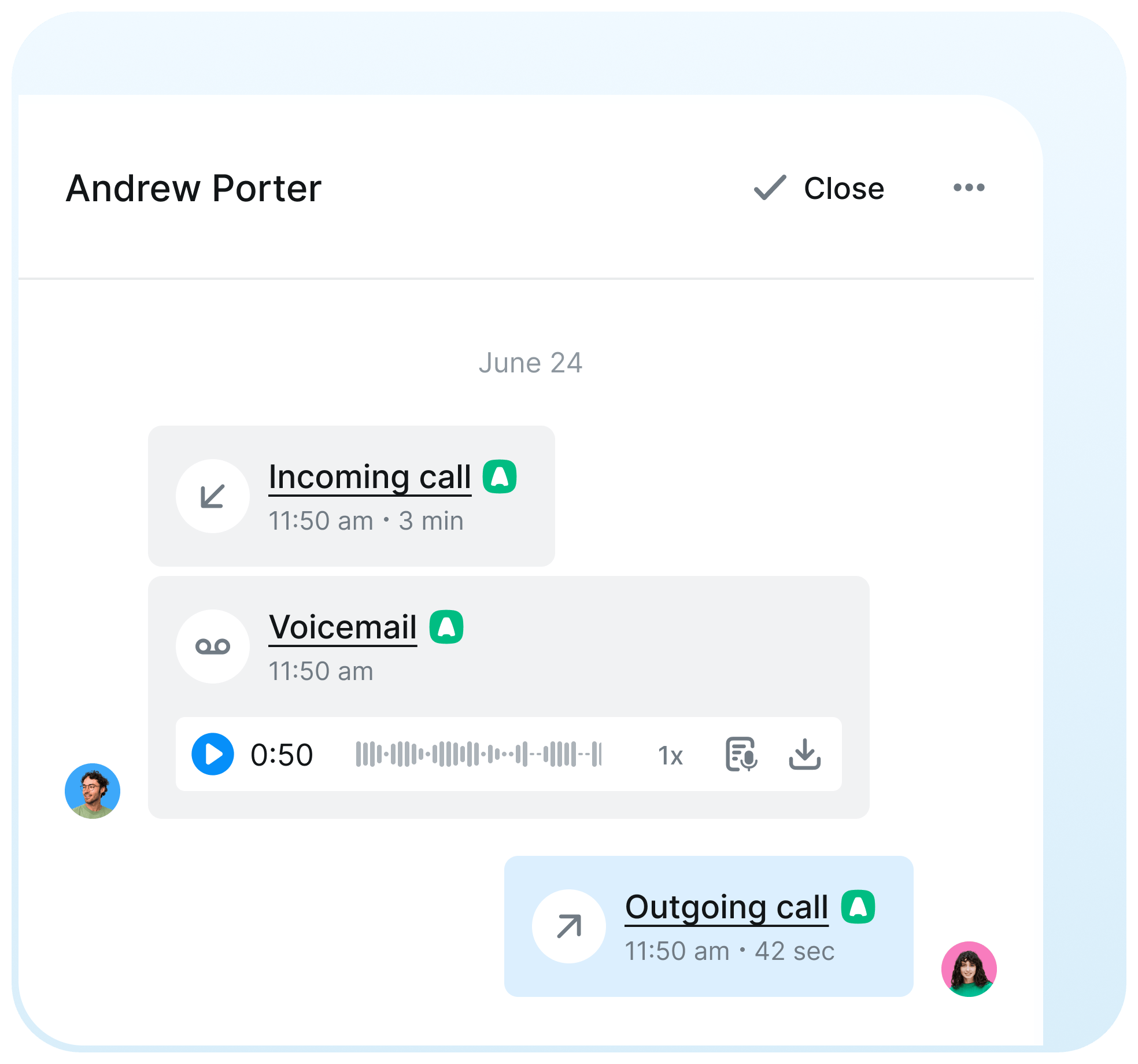
Every Aircall call, recording, and outcome is logged alongside your text conversations in a single contact timeline.
.svg)
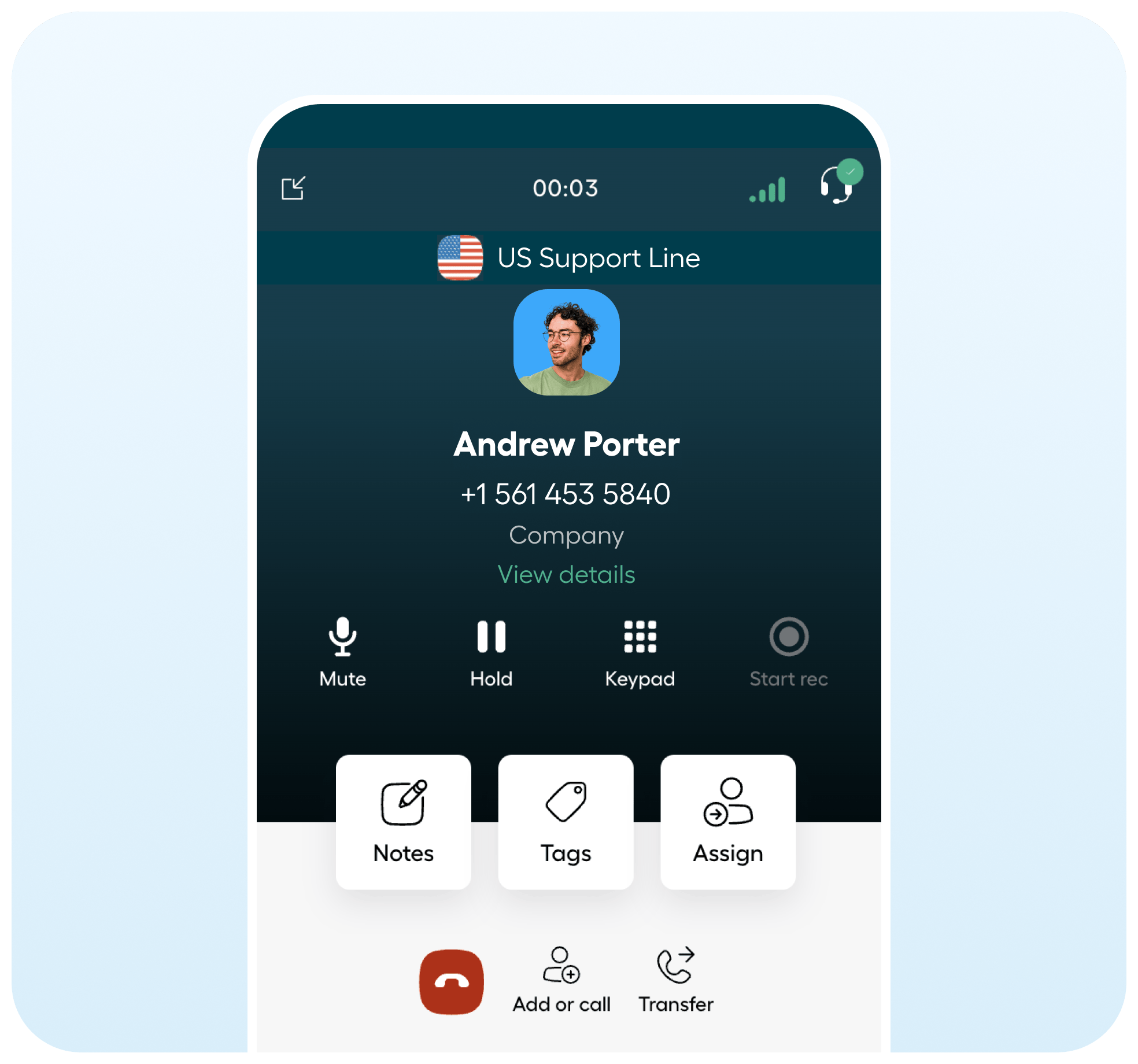
See past texts, notes, and contact context directly inside Aircall while you're on a live call - with one click to jump into the conversation.

Aircall and Salesmsg are better together. Aircall handles your calling infrastructure; Salesmsg adds the full SMS, MMS, automation, and AI texting layer your team needs to follow up faster and close more.



.svg)


Trusted by some of the best companies in the world...






CEO, CO-FOUNDER
For my mother-in-laws dance studio, we tried everything: local ads, Instagram, Facebook ads, Yelp, even the Yellow Pages, but it wasn't until we started texting with Salesmsg that everything changed. We TRIPLED the business in less than 60 days!








.svg)


Looking for more information about the Salesmsg and Aircall integration? We've shared some answers below to get you on your way efficiently and effectively! Got More Questions? Text “ASK” to (888) 409-2298
Yes. Salesmsg's native Aircall API integration lets you use your existing Aircall SMS-compatible numbers to send and receive SMS and MMS through Salesmsg. Numbers are configured automatically — no manual setup through Aircall is required.
Should an error occur on Aircall or Salesmsg that disconnects your integration, the next time you log in to Salesmsg you'll see a large status bar at the top of your Salesmsg conversation page indicating your integration has disconnected.
You can have multiple Aircall numbers in your dashboard and throughout your team. Once the Organization Owner is integrated any number in your Aircall dashboard can be set up for Salesmsg SMS.
No. When your team makes calls through the Aircall app, Salesmsg credits are not consumed. Clicking the call button in Salesmsg simply opens the Aircall app — keeping your calling and texting credits completely separate.
Your Aircall outbound calls are registered in Salesmsg. You can easily see who on your team made a call in the timeline - making it easy to make sure the right people are always getting through.
If you have a true landline number, we can text enable those! Or if you want to learn about porting over your number into Salesmsg from another carrier, you can read more about that,
here