
Bring Your Own Twilio Numbers
Integrate Twilio with Salesmsg to unlock powerful 2-way texting, automatedworkflows, calling, and advanced messaging features – all while keeping your existingTwilio numbers, rates, and compliance.

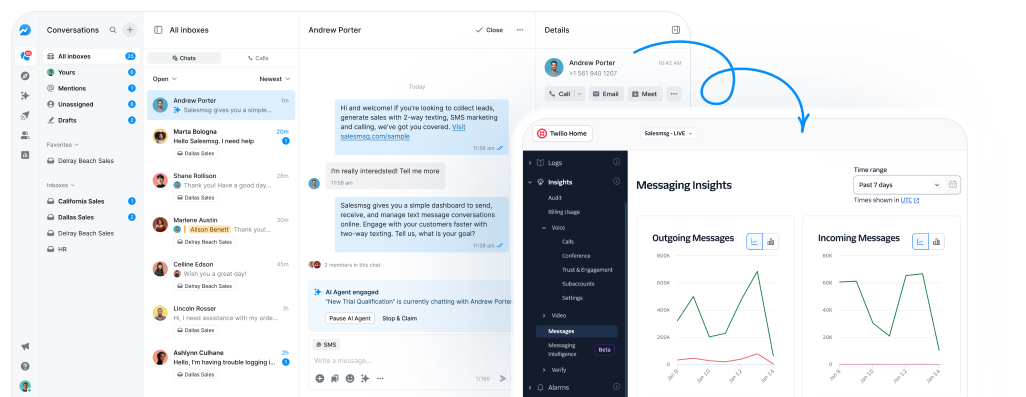

Connect your Twilio account to bring over your own Twilio numbers to use on Salesmsg.

No extra verification needed for numbers registered under 10DLC or toll-free,making them accessible for use.

Send, receive, and manage texts, calls, and conversations from your Twilio numbers - all inone intuitive interface.

How We Help OurTwilio Customers
Effortlessly create, send, receive, automate, andmanage conversations and calls all-in-one place.
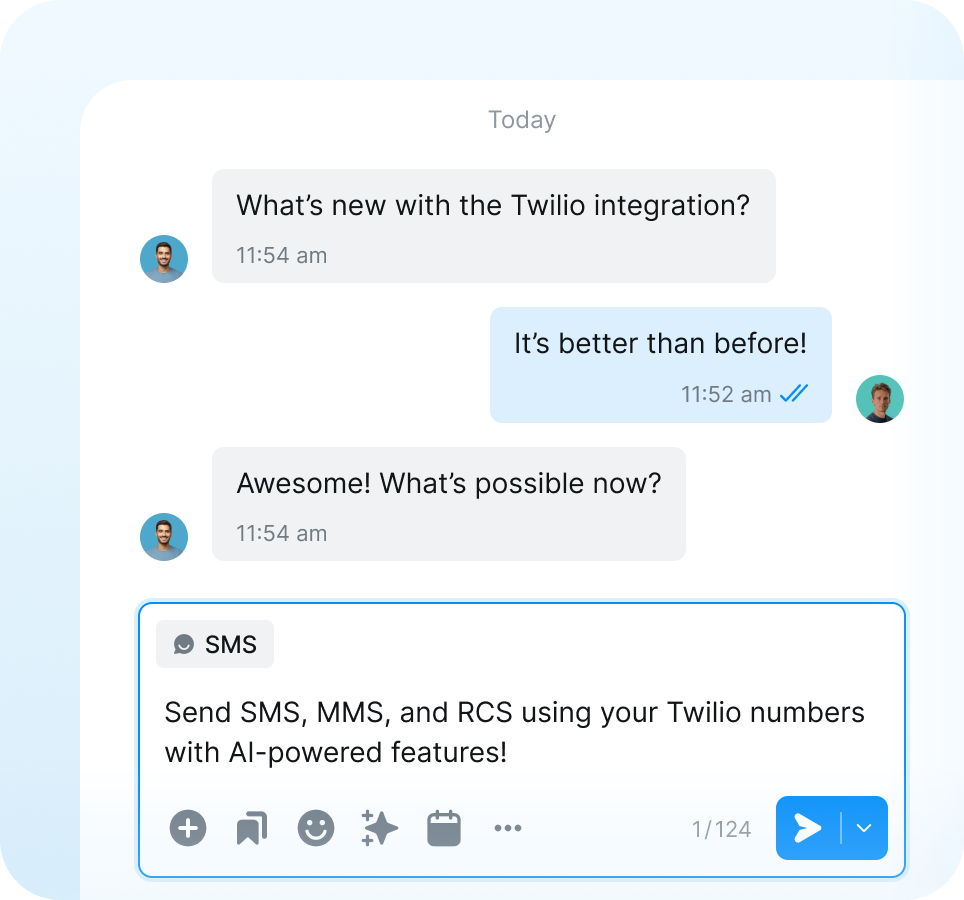
Text with Twilio Numbers
Unlock the full power of Salesmsg's messaging suite through Twilio integration. Send SMS, MMS, and RCS messages using your current Twilio numbers with AI-enhanced capabilities.

Unified inbox experience

AI-powered conversations

Short code texting
Enterprise-Grade Calling with Twilio
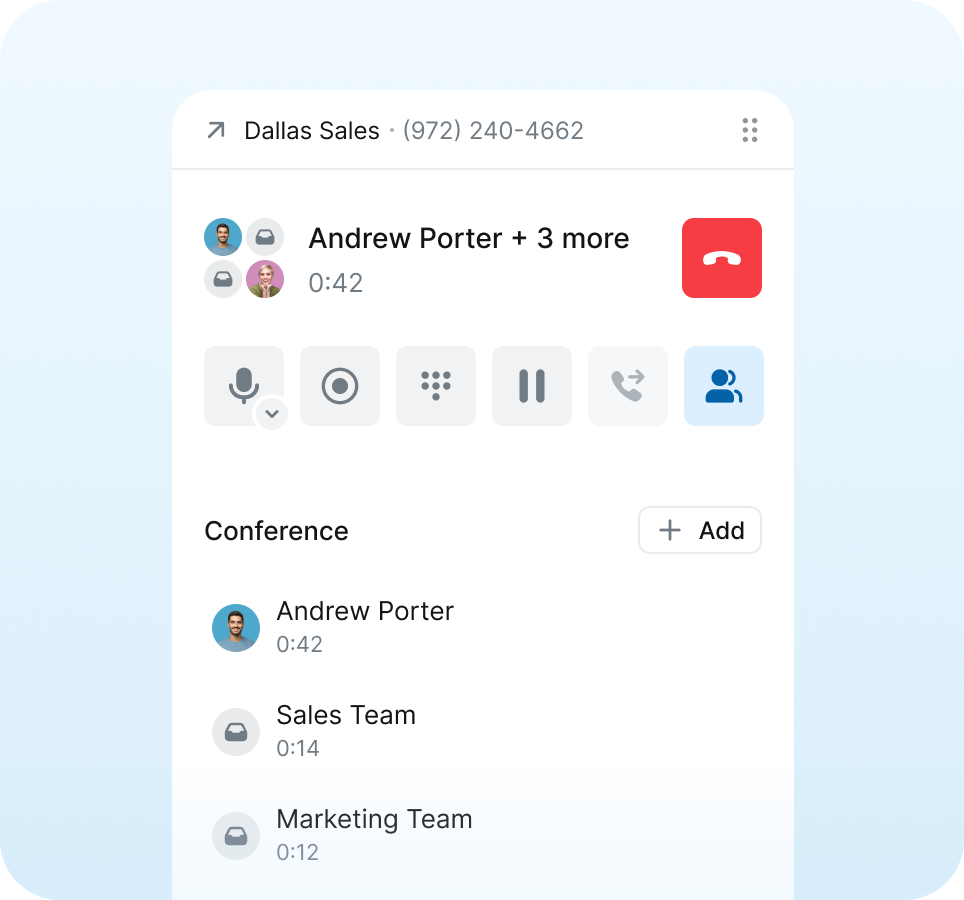
Step into next-level calling through the dynamic integration of Twilio and Salesmsg. Access advanced calling tools from interactive IVR to powerful conference calling and more.

Pick numbers with ease

Customize voicemail & IVR

Record and log all calls
Rich Communication Services (RCS)
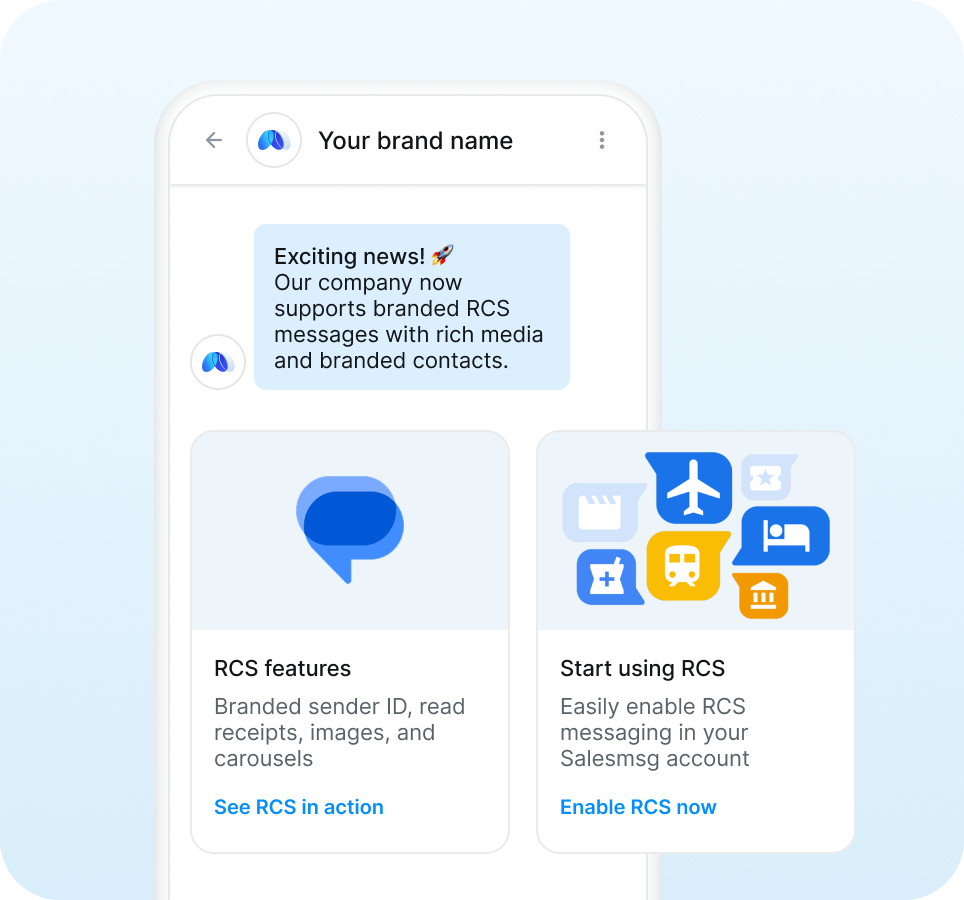
Send branded, media-rich messages that feel like a native app experience. RCS combines the reach of SMS with the engagement of modern messaging apps.

Deliver branded messages
Include interactive message features

Track enhanced analytics
Limitless Integration Possibilities
Unlock seamless integrations with leading platforms like HubSpot, Salesforce, ActiveCampaign, Pipedrive, and more. Connect, automate, and amplify your communication workflows.

Sync with any CRM

Build custom automations

Streamline support collaboration








Brian Moran
CEO, CO-FOUNDER
Salesmsg tripled our sales in 60 days!
For my mother-in-laws dance studio, we tried everything: local ads, Instagram, Facebook ads, Yelp, even the Yellow Pages, but it wasn't until we started texting with Salesmsg that everything changed. We TRIPLED the business in less than 60 days!

Stop playing phone tag and start turning texts into sales, faster.






keep you compliant.
.svg)


Salesmsg + Twilio Integration FAQs
Looking for more information about the Salesmsg SMS texting integration? We’ve shared some answers below to get you on your way efficiently and effectively!
Got More Questions? Text “ASK” to (888) 409-2298
Before integrating, consult our Sales team for the latest pricing details. Create a new Salesmsg account through the special link provided for Twilio integration. Input your Twilio Account SID and Auth Token in a modal and proceed to select your Twilio numbers.
During the trial, limitations include a watermark, 25 free credits, one inbox, and a 10 conversation limit per number. Upgrading to a custom plan is easy; simply contact our support team.
Twilio integrated accounts offer extensive features but with distinctions: Compliance info isn't displayed in Salesmsg UI, fixed integration settings, no direct disconnect option, and current lack of short code support. For disconnection, cancellation of the Salesmsg account is required.
Yes. Simply add more numbers in your Twilio account and go to Unassigned Numbers page to assign them to Salesmsg Inbox.
Yes. You can leverage RCS messaging through your Twilio-Salesmsg integration to send branded, media-rich messages. RCS automatically falls back to SMS/MMS for contacts whose devices don't support it. Contact our team to set up RCS for your account.


